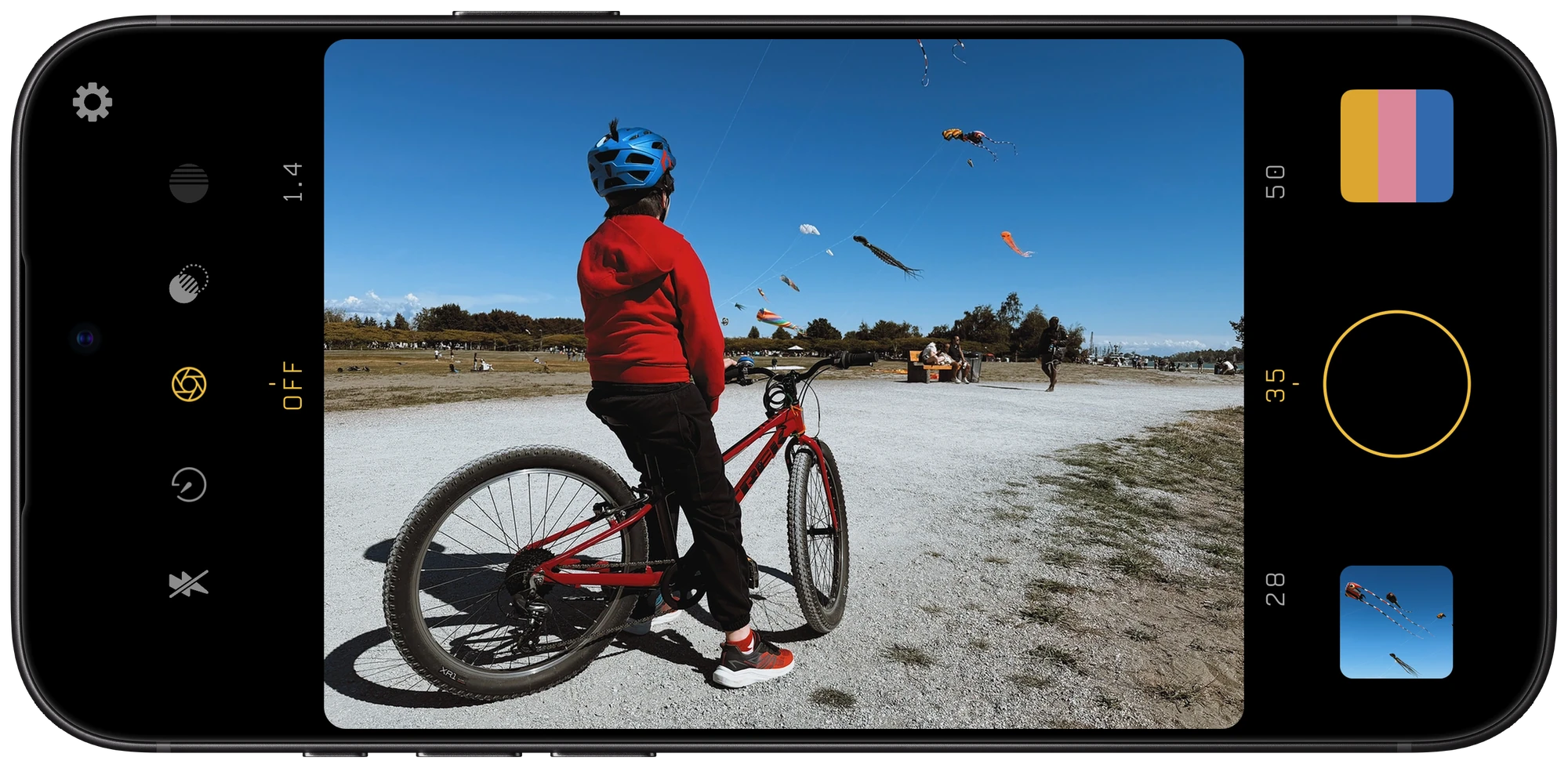
Filmglass on iPhone, framing a child with a bicycle beneath a sky full of kites

A look
of your own.

A film-inspired camera for iPhone. Create your own film recipe, see it live in the viewfinder, then share it with friends. Prime focal lengths and diffusion filters included.

The camera

Every control, within reach.

Filmglass is laid out like a compact camera: a mode dial, a control dial and a lens dial, with your recipe one tap from the shutter.

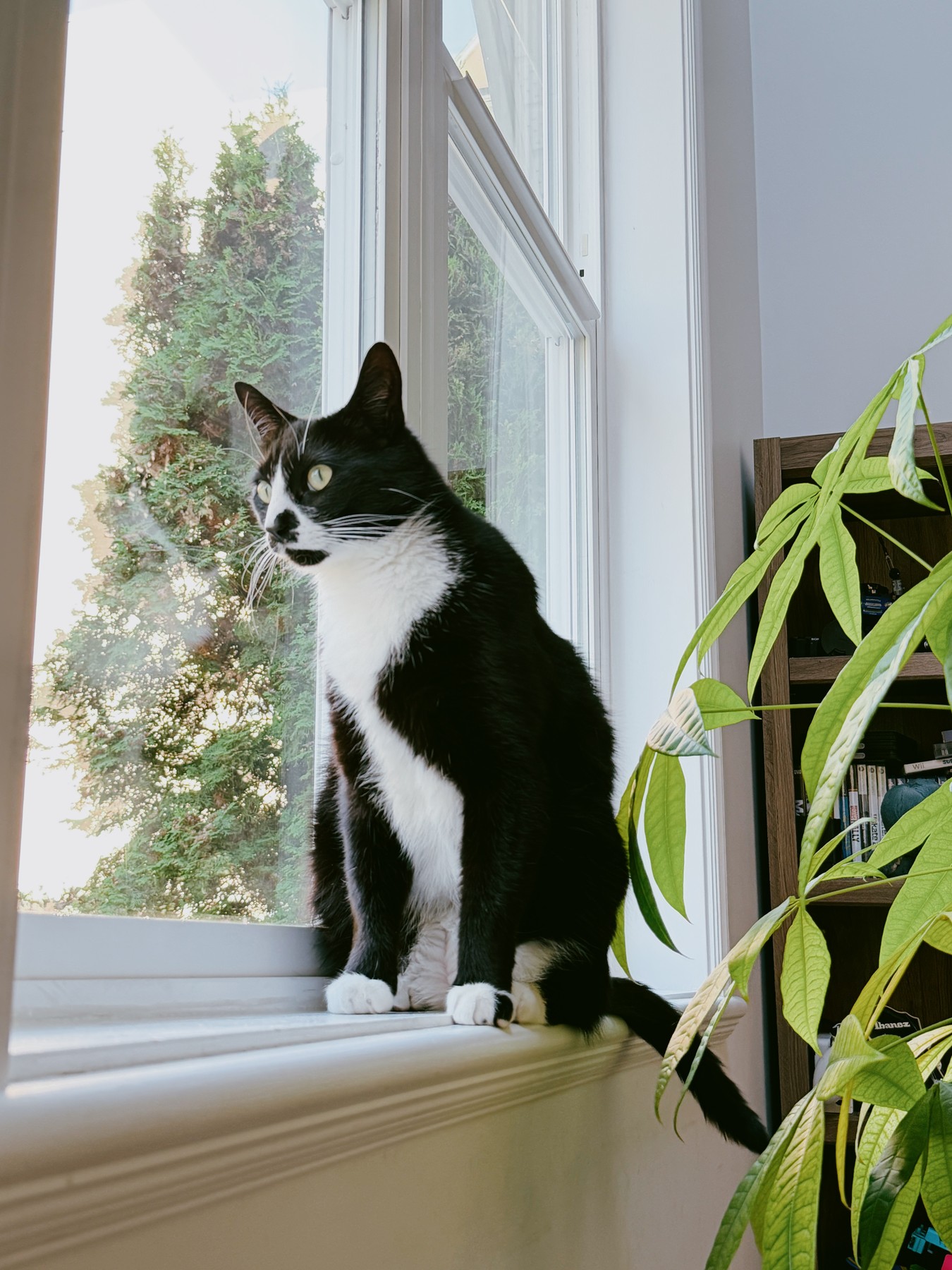
The Filmglass camera screen on iPhone, framing a cat at a window, with its controls and camera roll numbered to match the list 12345678
Illustration of the camera screen.
  1. 1

    settings

    Film recipes, prime lenses, capture options and the quick guide.

  2. 2

    mode dial

    Choose what the control dial sets: flash, timer, aperture, diffusion or colour filter.

  3. 3

    control dial

    Swipe to change the setting, like the aperture shown here.

  4. 4

    viewfinder

    Your recipe, live. Tap to focus, swipe up or down for brightness, double-tap to reset.

  5. 5

    lens dial

    Tap or swipe between your prime lenses. Hold to choose which ones appear.

  6. 6

    camera roll

    Your latest photo. Tap it to open the pile of today’s prints.

  7. 7

    shutter

    Take the photo. With the timer set it counts down; tap again to cancel.

  8. 8

    recipe button

    Tap to choose your look. Hold to edit it.

Film simulations

Find your starting point.

Seven film simulations, each with its own colour and character – or none at all, if you prefer.

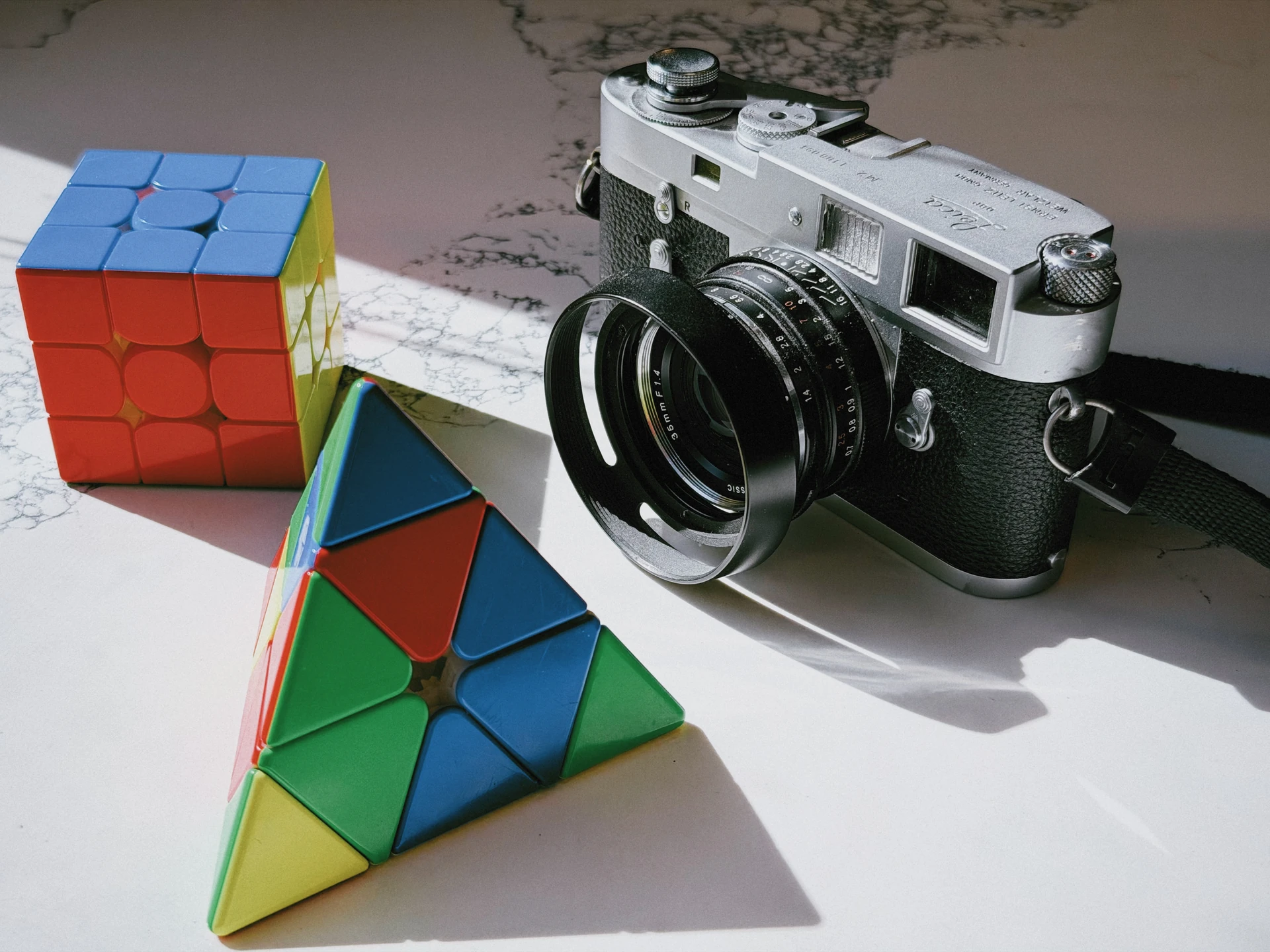
A silver camera and colourful puzzles in sunlight, with the Linen film treatment

Same photo. Eight film treatments.

Linen

1 / 8

Warm pastels. Flattering skin tones. A timeless look.

Film recipes

Make it yours.
Pass it on.

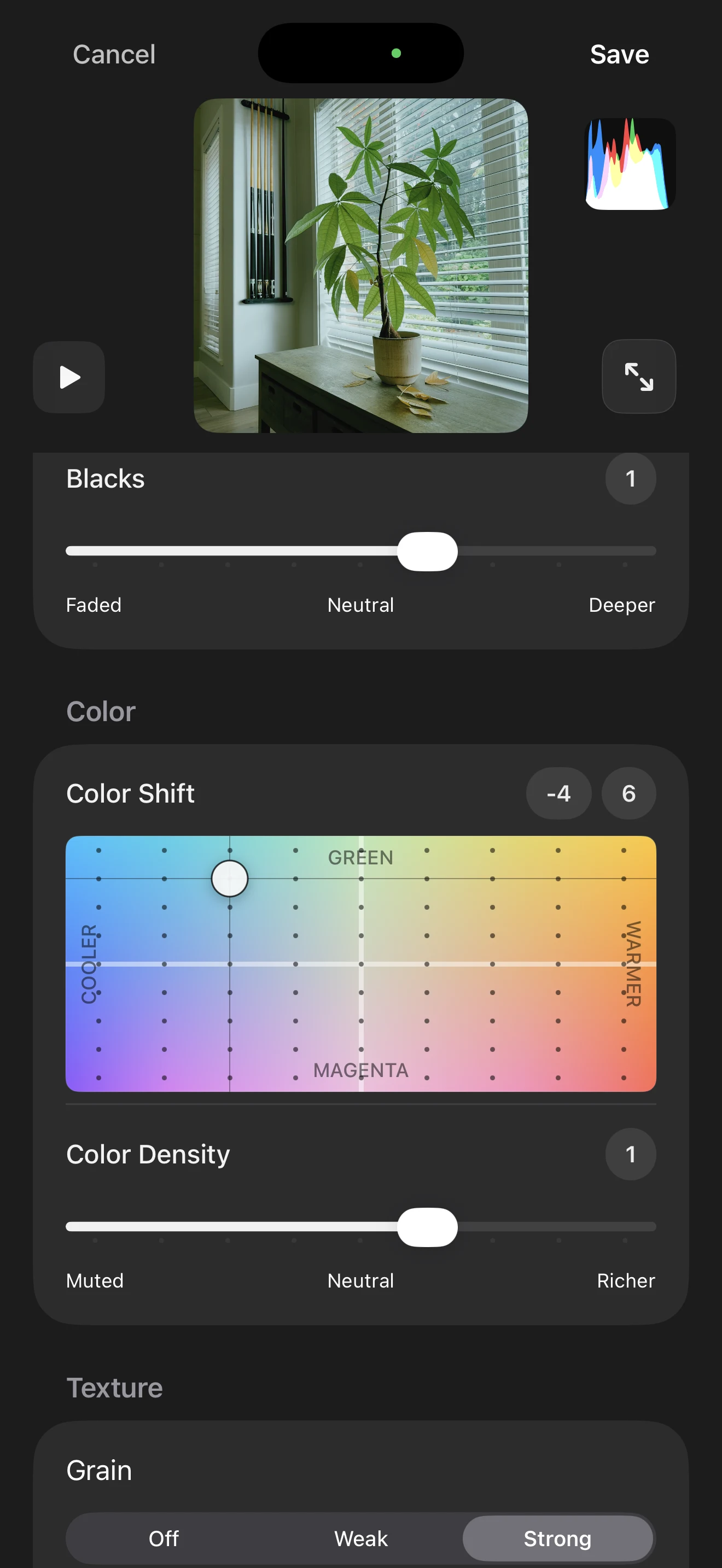
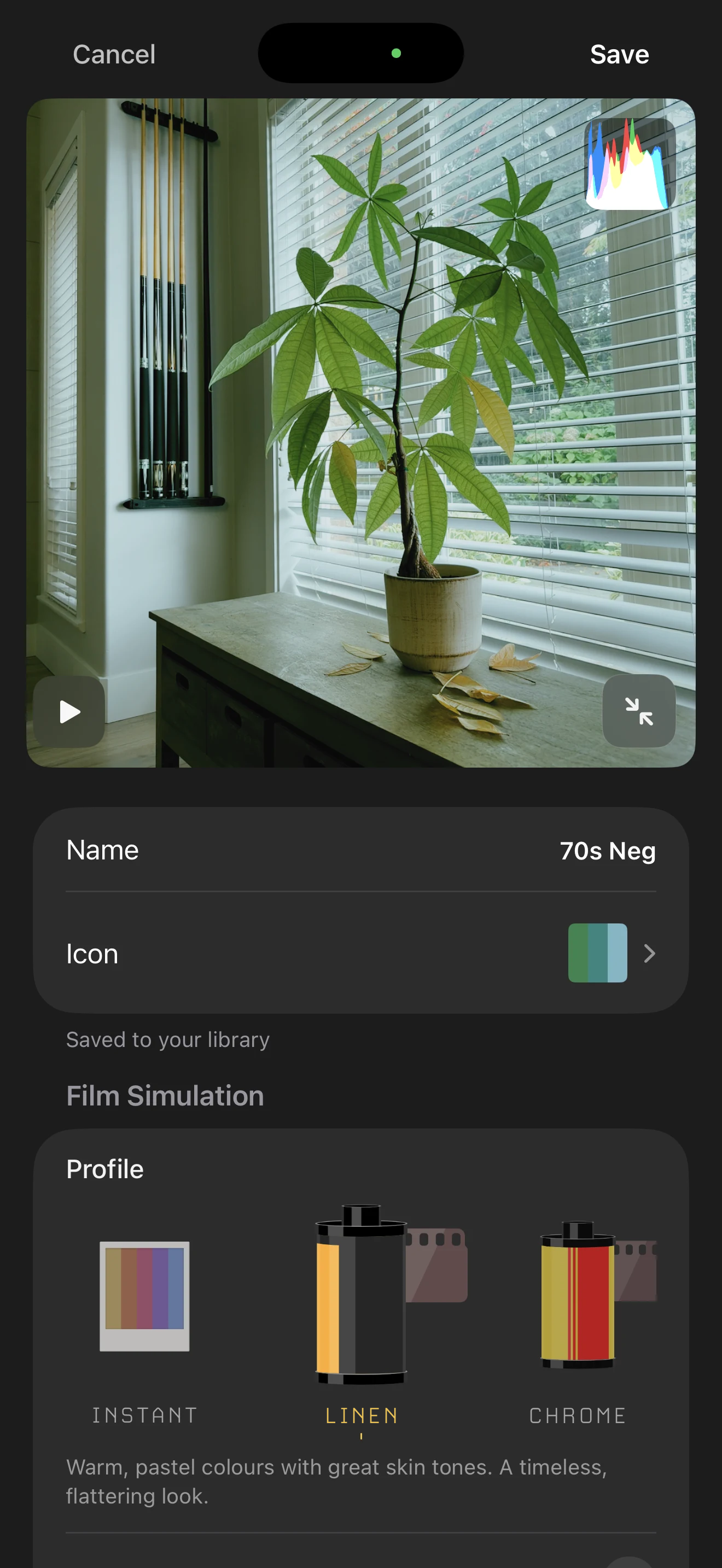
Start with a film simulation, adjust it to taste, then save the settings as your own recipe and share it with others.

  1. Recipe editor with a plant preview, colour shift controls, colour density and grain settings

    1 Make it yours.

    Adjust colour, tone, grain and more with a live preview.

  2. A Linen-based recipe named 70s Neg, with a custom icon and Saved to your library confirmation

    2 Save your recipe.

    Give your look a name and a custom icon.

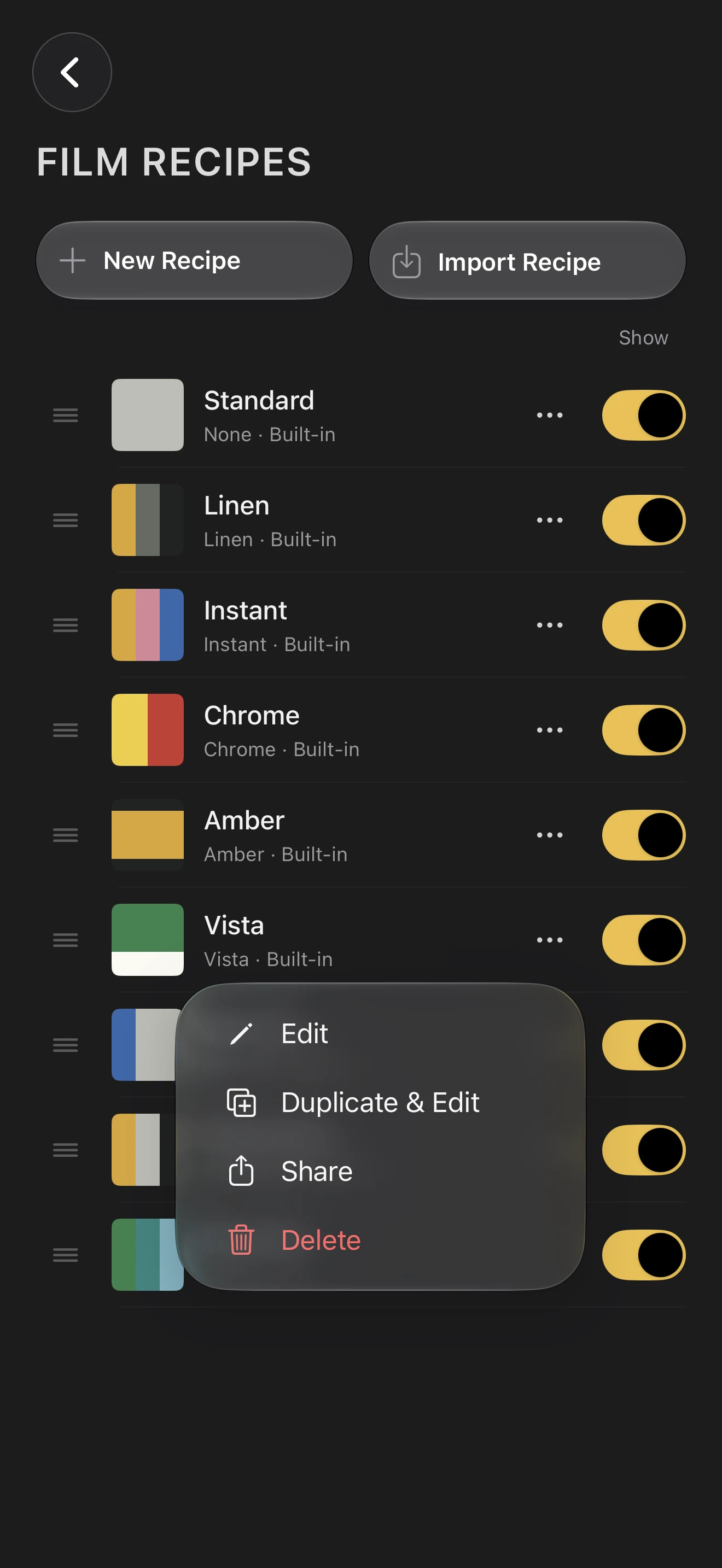
  3. Film recipe library with the recipe actions menu open, including Share

    3 Pass it on.

    Share your recipe with the world.

Explore the framing
Filmglass’s camera interface on iPhone, with the mode dial, control dial, settings, camera roll, shutter and recipe button
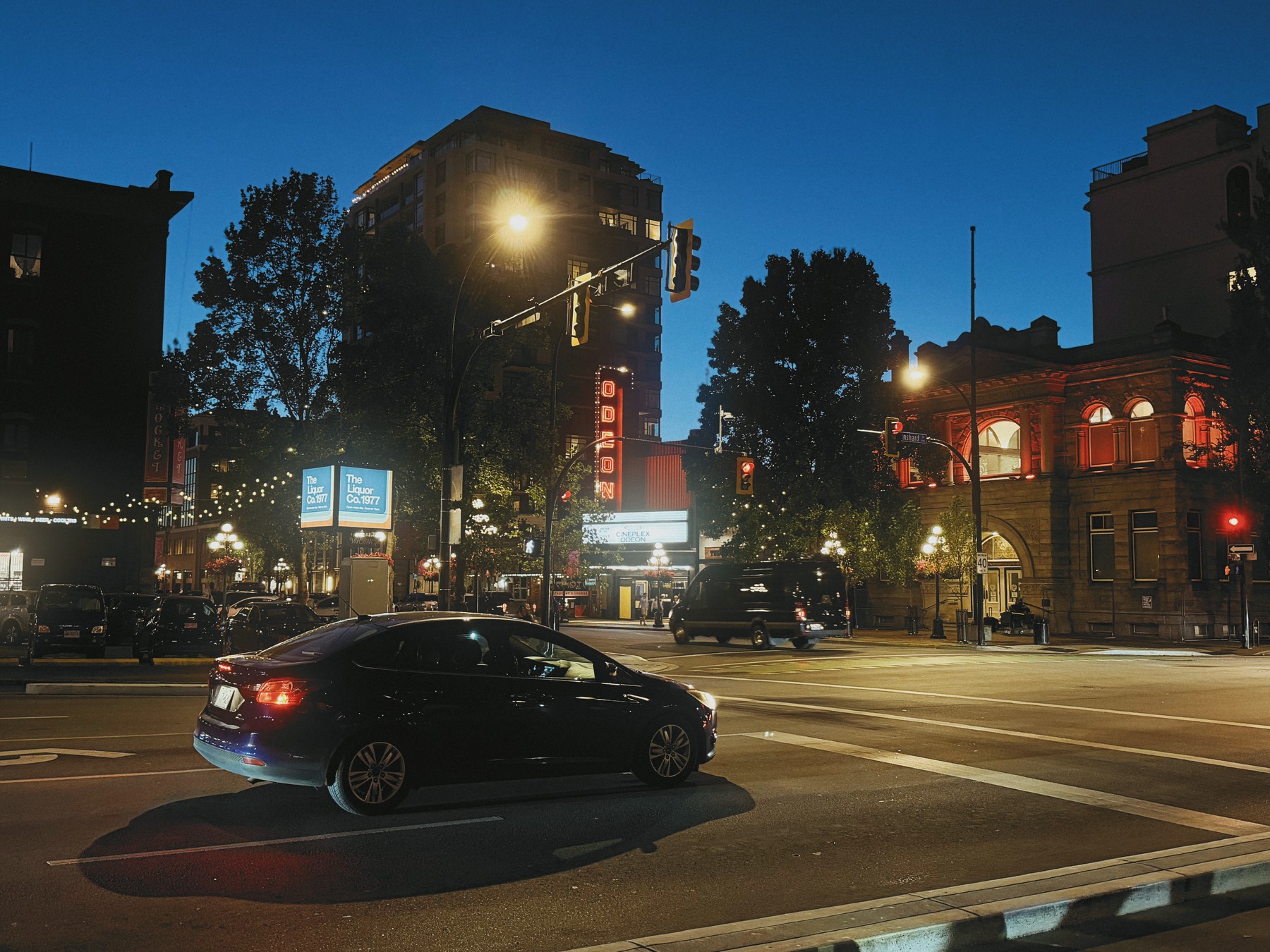
The Odeon cinema sign glowing above a tree-lined street at dusk, fading through black between focal lengths

Perspective

Frame intentionally.

Choose how much of the scene fits in your frame – from a wide view to a tighter composition.

Let the whole scene in.

24mm · A wide view that brings your subject and its surroundings into the frame.

The best of both worlds.

35mm · A little closer, with room for the surrounding scene.

A natural perspective.

50mm · A tighter view that gives your subject more of the frame.

Framing illustration. Phone display is simulated but reflects the shooting experience as closely as possible.

Pick which focal lengths show in the app, just as you would choose a set of prime lenses for a trip. Perhaps you take the Leica classics (28mm, 35mm, 50mm), or maybe you force yourself to stick to a single focal length. A few thoughtful constraints can help you to achieve a consistent vision.

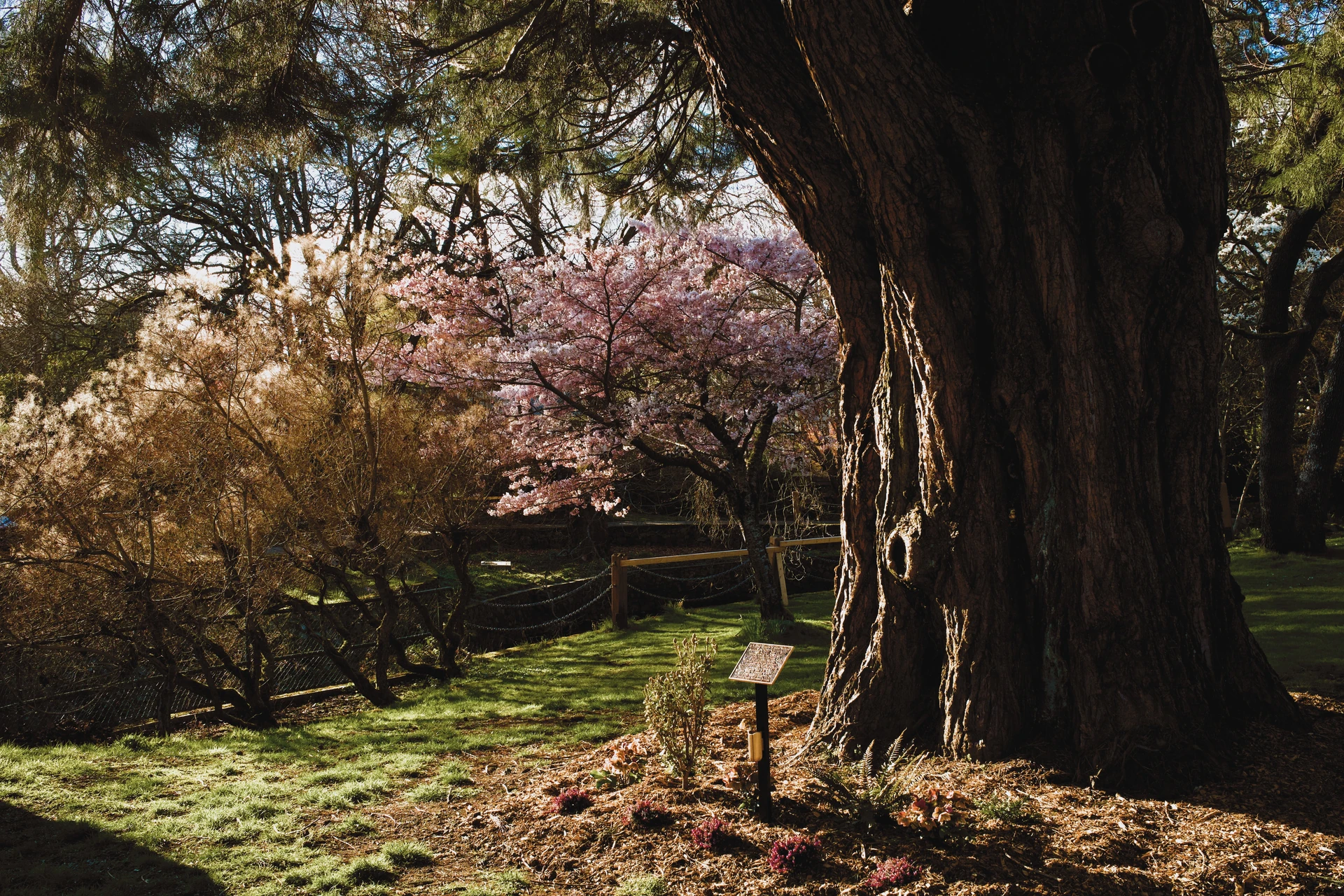
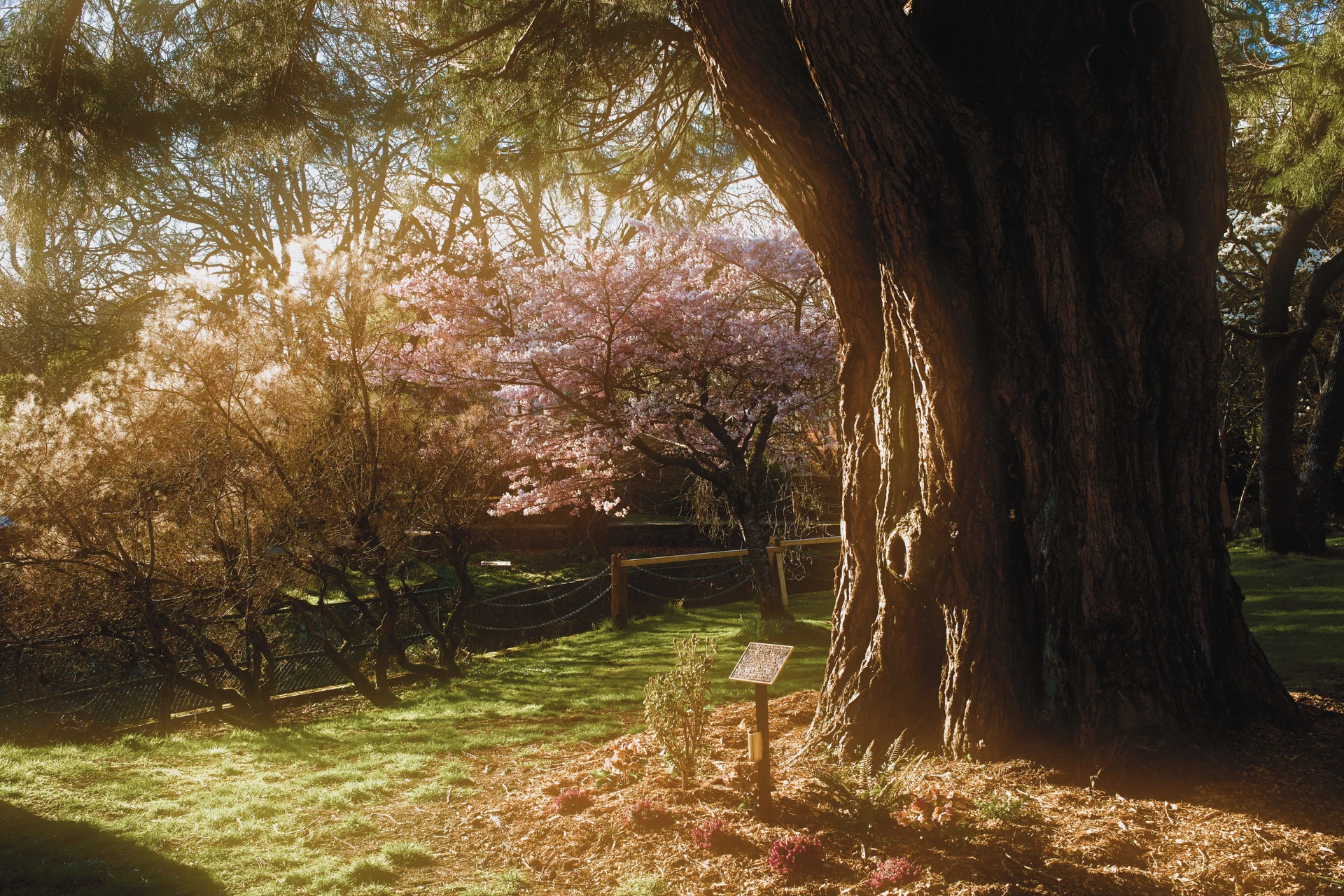
Sunlight through branches and pink blossoms beside a deeply shaded tree trunk, with strong gold diffusion
Gold · Strong

Diffusion

Shape the light.

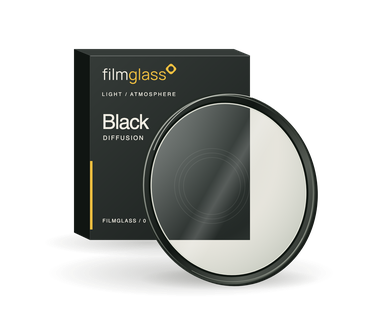
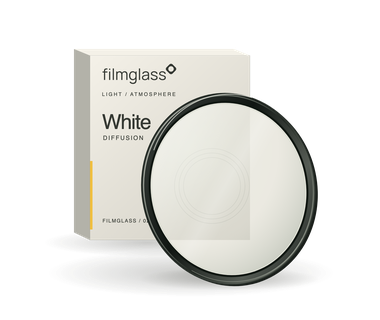
Add a soft glow around bright areas with simulated diffusion filters, previewed live as you shoot. No physical filter required.

Explore diffusion filters
Filter

A warmer glow.

Strength

The kit

Eight films. Three filters.

Everything that comes with Filmglass, ready to shoot with or to start a recipe of your own.

Colour science

Colours, as we see them.

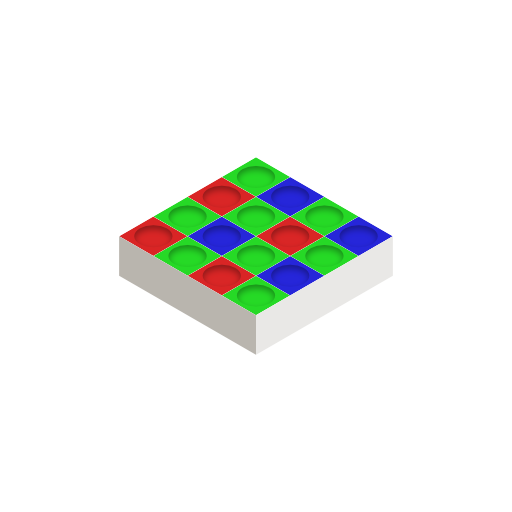
Built around human perception. Filmglass uses Oklab – a colour space designed to reflect how we see – in key parts of its image pipeline for richer colour, refined detail and smoother handling of intense hues.

HSVUneven perceived lightness
OklabMore consistent perceived lightness
Colour-space illustration.

Specifications

The full spec.

Everything Filmglass does, at a glance. Requires iOS 26 or later.

Look

  • Seven film simulations, plus standard colour
  • Recipes for colour, tone, grain and more
  • A name and custom icon for each recipe
  • Share and import recipes as files
  • Live recipe preview in the viewfinder
  • Oklab colour in key parts of the pipeline

Lens and light

  • Prime lens dial with the focal lengths you choose
  • Focal lengths from 28mm to 400mm, plus your iPhone’s own lenses
  • Simulated aperture from f/1.4 to f/16 on supported iPhones
  • Black, white and gold diffusion, weak or strong
  • Yellow, orange, red, green and blue filters for black and white
  • Flash off, on or auto

Capture

  • HEIF in 10-bit Display P3, or JPEG in 8-bit sRGB
  • Choice of resolution
  • Live histogram
  • Level horizon guide
  • 3, 5 or 10 second self-timer
  • Tap to focus, swipe for exposure

Workflow

  • Open from the Lock Screen
  • Launch with Camera Control
  • Optional location tagging
  • The pile: flick through, share and develop
  • Develop again with another recipe, crop and straighten
  • No account, analytics or tracking
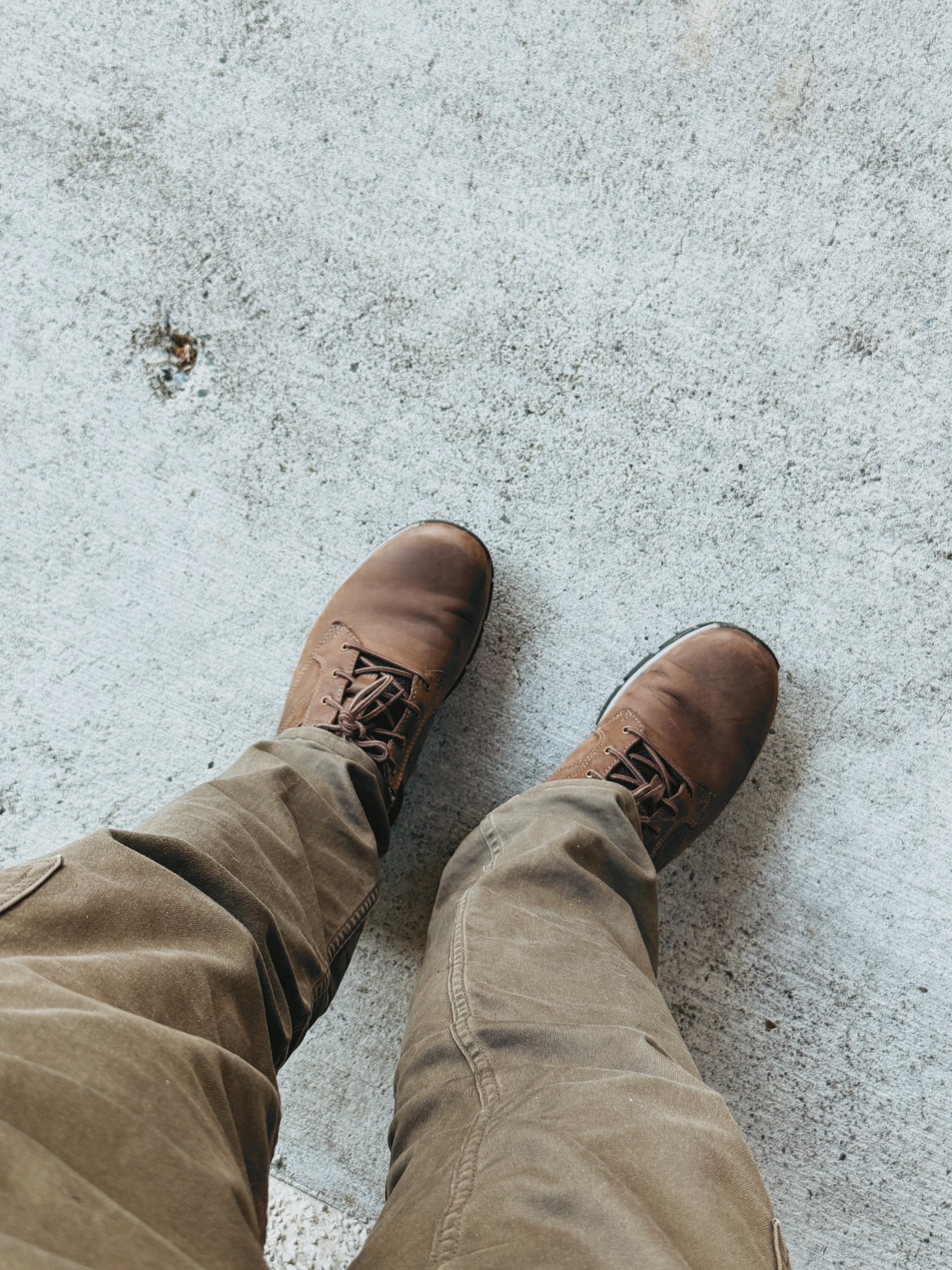
Looking down at brown boots and khaki trousers on pale pavement

A note from the creator

I wanted a high-quality pocket camera. So I made one.

I wanted a photographer’s camera that could be with me everywhere I go. But the Fuji X100VI and Ricoh GR were out of stock everywhere, or selling for well over a fair price. So I started building the camera I really wanted, on the phone I already carry.

It started with a wishlist for my perfect companion camera. Make film recipes easy to create and share. Let me be intentional about focal length like I am with prime lenses. Let me use diffusion filters without faffing around with diffusion filters. And finally, let me preview all of this accurately in the viewfinder.

Thank you for reading. I’d love for you to try it when it’s ready. My hope is that it enables you to create the art that you imagine.

~ Kevin

Filmglass for iPhone

Beta coming soon.

Shoot. Share recipes. Help shape Filmglass.

TestFlight access will appear here.

Before the first frame.

What is a film recipe?

A film simulation and your adjustments, saved as a look you can shoot with and share.

How will I join the beta?

The TestFlight link will appear here when access opens.

Which iPhones will be supported?

The tested iPhone list, required iOS version and camera limitations will be published with the beta.

How much will Filmglass cost?

Pricing is to be announced. I’ll share the details before launch.

Where will I share recipes and feedback?

Community and feedback links will be added when the beta opens.